
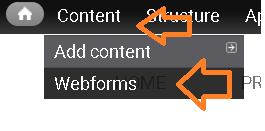
- to view career reports, navigate to Content > Webforms.
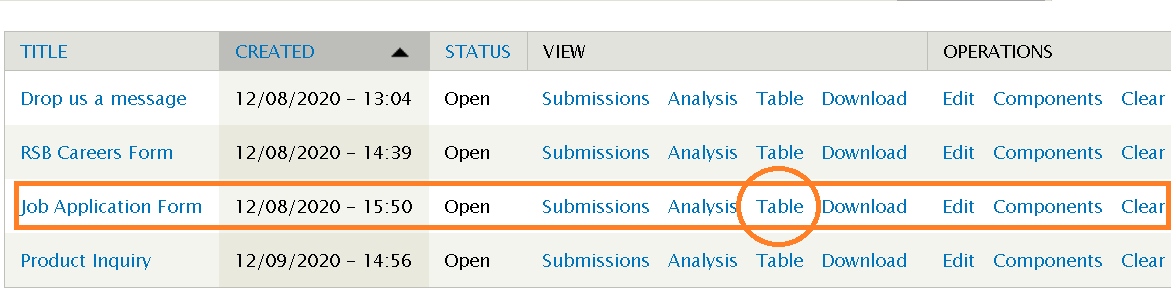
- look for Career application title then click on Table to view all the list of reports.
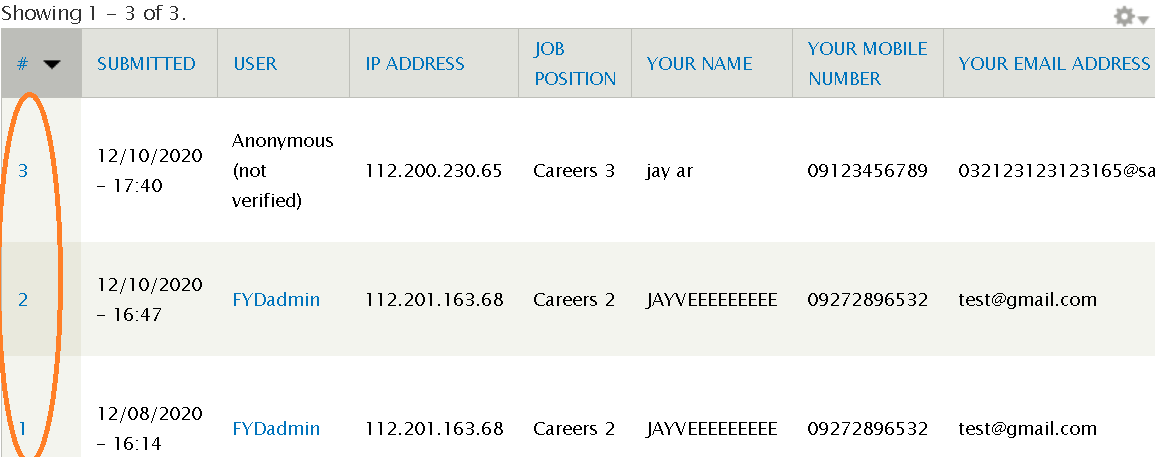
- Here you will see all the entry with some details but if you need more just click the number on the left side of the list.
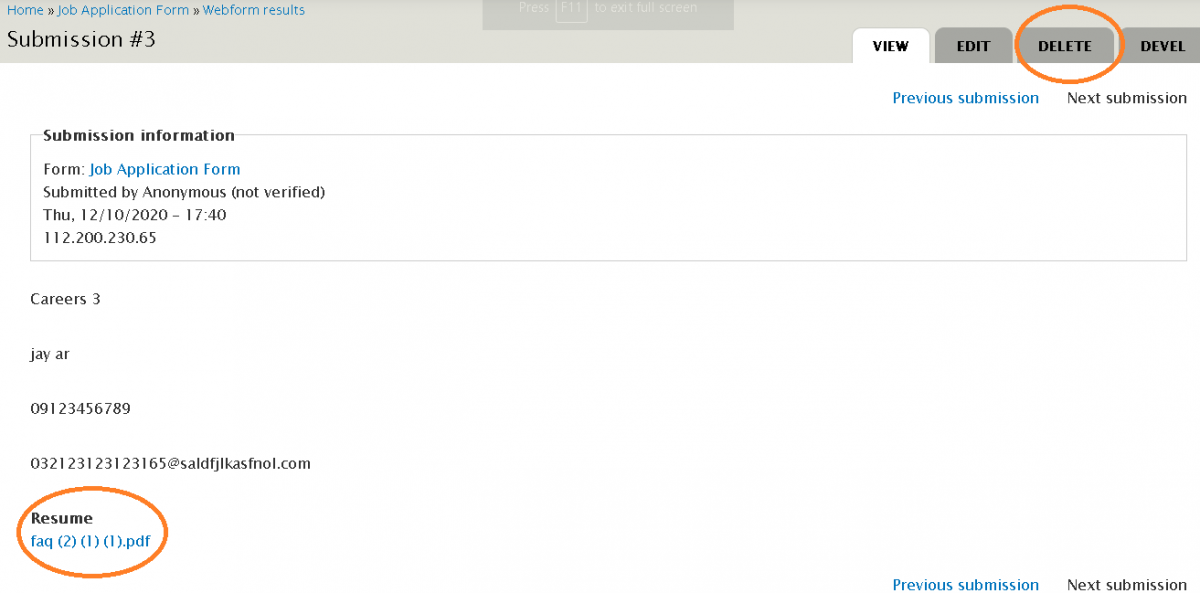
- This will show more details and also a Delete option on the upper right of the list if you want to remove it.
- To download the Resume simply click the list on the details
Type: