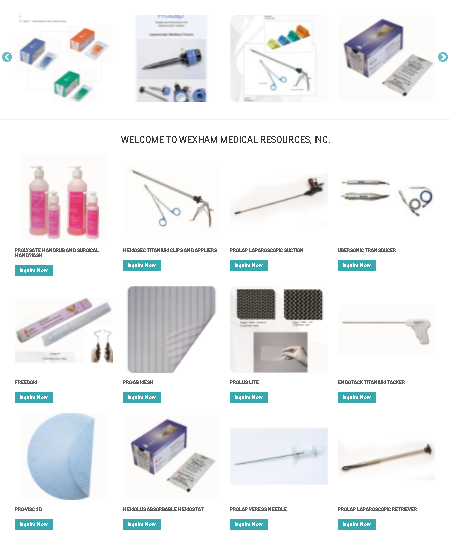
Home page Brand Slider section
- To update one of the Brand carousel view on home page, please follow the instructions below.

- To update social go to Structure->Taxonomy->Brands

- Choose one of the title then on the right side click edit
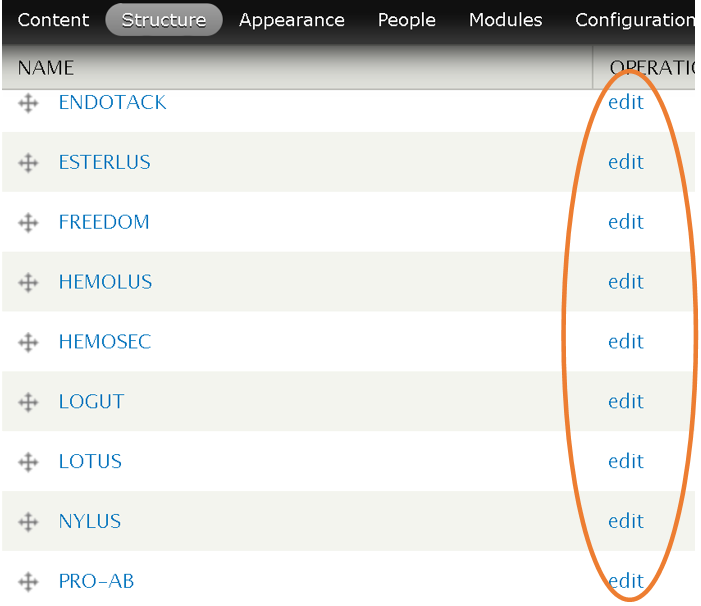
- Here you can now edit Name, Brand Parent and Description.

- After updating the text scroll down and click Save

Home page Product Featured section
- To update this section go to – WEXHAM MENU ->Master File->Products
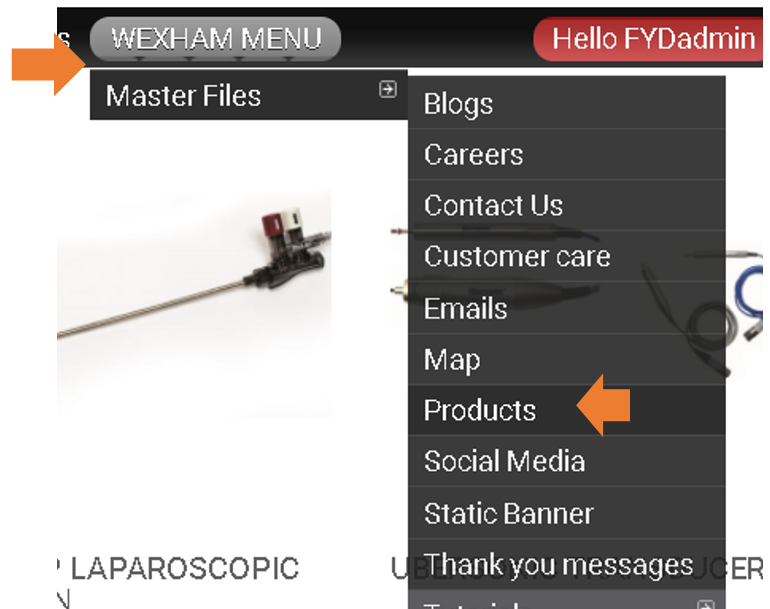
- Here you will see all the products, find the product you wish to update then click edit.
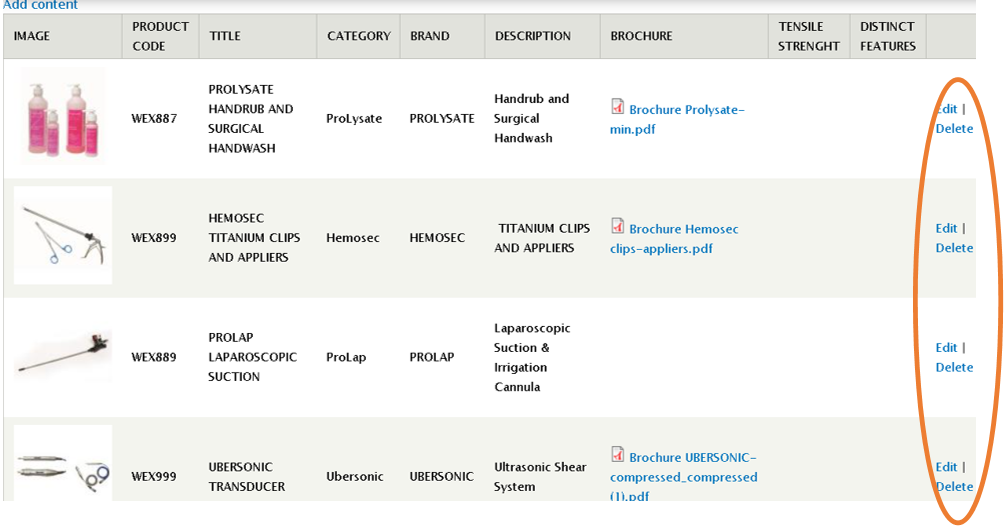
- Here you can update the product by typing and uploading images
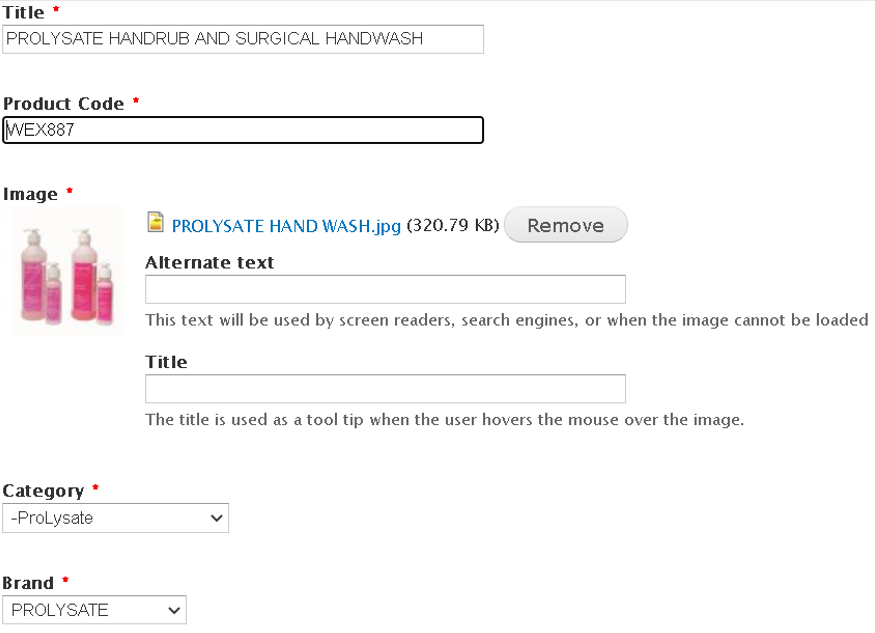
- after all the updates are applied, scroll down and click SAVE
Updating Home page BLOG section
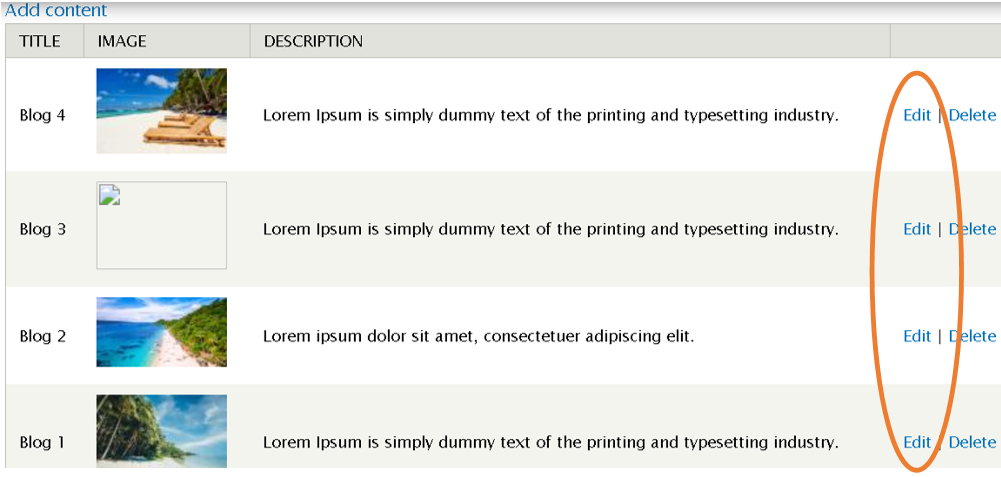
- To update this section go to – WEXHAM MENU ->Master File->Blogs.
- Here you will see all the blogs that has been posted.. simply click Edit to update the specific blog.
- Here you can update Title, Source, Image and Body Text.
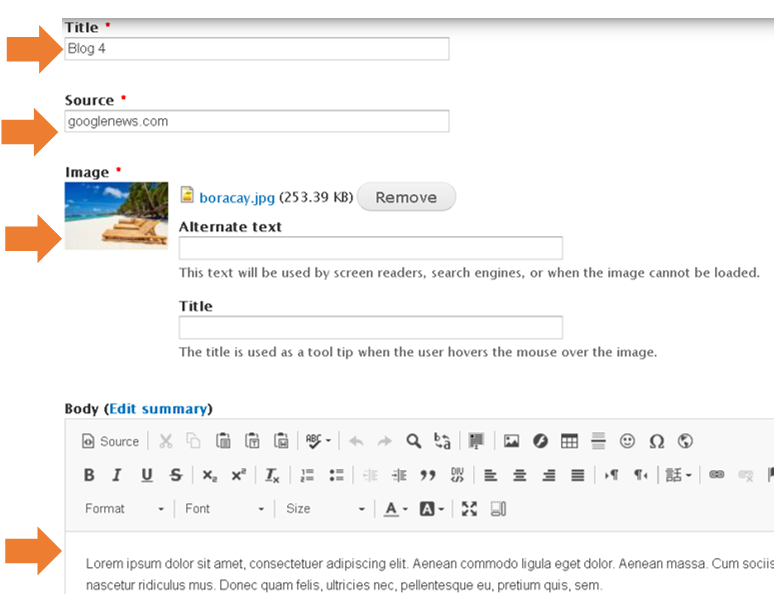
- After all the update.. scroll down and Save